
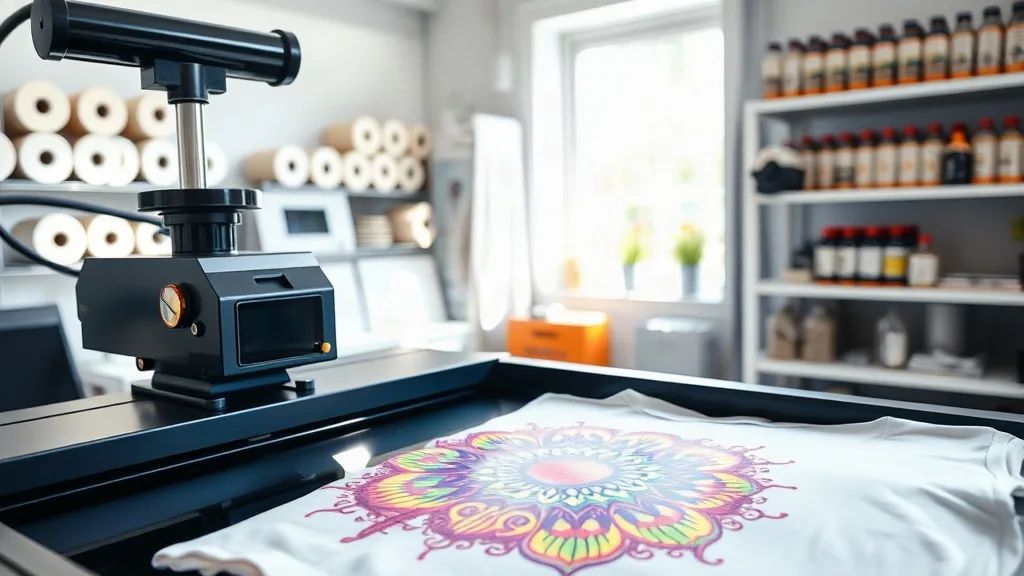
If you've been exploring custom apparel printing, you've likely encountered the term dtf. Direct-to-film printing has rapidly become a favorite among hobbyists and professionals alike, thanks to its versatility and stunning results. But what exactly makes dtf transfers so special? In this guide, we'll walk you through the entire process, from design to finished product, and share practical tips to help you achieve flawless prints every time.
What Are DTF Transfers?
DTF transfers are printed designs on a special film that can be heat-pressed onto various fabrics. Unlike traditional screen printing, DTF doesn't require extensive setup or expensive equipment. The process involves printing your design onto a PET film using specialized inks, applying a powder adhesive, and then curing it. Once ready, you can transfer the design onto t-shirts, hoodies, tote bags, and more using a heat press.
The magic of DTF lies in its ability to produce full-color, highly detailed prints on a wide range of materials, including cotton, polyester, blends, and even nylon. This flexibility has made dtf transfers a go-to solution for small businesses, crafters, and anyone looking to create custom merchandise.
Why Choose DTF Transfers?
There are several compelling reasons why DTF has gained such a loyal following:
- No color limitations: DTF can reproduce gradients, photographs, and intricate details with ease, unlike vinyl or screen printing.
- Works on multiple fabrics: From 100% cotton to polyester and blends, DTF adheres beautifully.
- Durability: When applied correctly, DTF prints withstand repeated washing without cracking or fading.
- Cost-effective for short runs: No need for screens or minimum orders; print one or one hundred.
- Soft feel: The prints have a smooth, flexible finish that doesn't feel heavy on the garment.
Whether you're a small business owner or a DIY enthusiast, dtf transfers offer a level of convenience and quality that's hard to beat.
How to Create DTF Transfers: Step-by-Step
Getting started with DTF printing might seem daunting, but breaking it down into steps makes it manageable. Here's a comprehensive overview:
1. Design Your Artwork
Begin with a high-resolution image. Vector files are ideal, but 300 DPI raster images work well too. Remember that DTF prints are opaque, so you'll need to create a white underbase layer. Most RIP software handles this automatically, but it's good to understand the process.
2. Print on DTF Film
Load your DTF printer with the appropriate film and inks. Print your design onto the film. The printer will lay down the CMYK colors followed by a white layer. This white layer is crucial for vibrant colors on dark fabrics.
3. Apply Adhesive Powder
While the ink is still wet, sprinkle the hot-melt adhesive powder evenly over the printed design. Shake off any excess. This powder will melt during curing and create a strong bond between the ink and the fabric.
4. Cure the Transfer
Place the film in a curing oven or under a heat press at around 160°C (320°F) for 2-3 minutes. The powder should melt and become glossy. Allow it to cool completely before proceeding.
5. Heat Press onto Garment
Preheat your heat press to 150-160°C (300-320°F). Place the transfer on the garment with the design facing up. Press for 15-20 seconds with medium pressure. Peel the film off while it's still warm (warm peel) or after it cools (cold peel), depending on the film type.
With practice, you'll develop a rhythm and be able to produce professional-quality dtf transfers in no time.
Common Mistakes to Avoid
Even seasoned pros can run into issues. Here are some pitfalls to watch out for:
- Insufficient powder: If you don't apply enough adhesive powder, the print may peel. Ensure even coverage.
- Over-curing: Leaving the transfer in the oven too long can cause the film to warp and the colors to dull.
- Wrong pressure: Too little pressure leads to poor adhesion; too much can cause the design to spread.
- Ignoring fabric type: Some fabrics require different temperature settings. Always test on a scrap piece first.
By avoiding these common errors, you'll save time, money, and frustration.
DTF vs. Other Printing Methods
How does DTF stack up against alternatives like DTG (direct-to-garment) and vinyl? Let's compare:
- DTF vs. DTG: DTG requires pretreatment and works best on 100% cotton. DTF works on almost any fabric and often produces more vibrant colors on dark shirts.
- DTF vs. Vinyl: Vinyl is great for simple, single-color designs but can't handle complex images. DTF excels with full-color graphics.
- DTF vs. Screen Printing: Screen printing is cost-effective for large orders but requires setup. DTF is perfect for small batches and intricate designs.
For many creators, dtf transfers strike the perfect balance between quality, versatility, and affordability.
Tips for Long-Lasting Prints
To ensure your DTF prints stand the test of time, follow these care instructions:
- Wait 24 hours before washing the garment.
- Turn the garment inside out before washing.
- Use cold water and mild detergent.
- Avoid fabric softeners and bleach.
- Tumble dry on low or hang to dry.
- Iron on the reverse side only; never iron directly on the print.
With proper care, your DTF prints will remain vibrant and intact for years.
Frequently Asked Questions
What is the difference between DTF and DTG printing?
DTF (direct-to-film) involves printing on a film and transferring it to the fabric, while DTG (direct-to-garment) prints directly onto the garment. DTF works on more fabric types and often yields more durable results on dark colors.
Can I use DTF transfers on polyester?
Yes, DTF transfers adhere well to polyester and polyester blends. However, you may need to adjust the heat press temperature to avoid scorching. Always test on a small area first.
How long do DTF transfers last?
When applied correctly and cared for properly, DTF transfers can last as long as the garment itself. They resist cracking, peeling, and fading through many wash cycles.
Do I need a special printer for DTF?
Yes, you need a DTF printer that uses DTF inks and can handle PET film. Converted inkjet printers are available, but dedicated DTF printers offer better reliability and output quality.
Is DTF printing cost-effective for small businesses?
Absolutely. DTF has a low entry cost compared to screen printing, and you can print single items without minimums. It's an excellent option for startups and side hustles.
Now that you understand the ins and outs of dtf transfers, you're ready to dive in and start creating. Whether you're printing custom t-shirts for your brand or personalizing gifts, DTF technology opens up a world of possibilities. For high-quality supplies and more tips, visit dtfdesignpro.com and explore our resources. Happy printing!